
To add an image to an AI Agent, the image must meet certain specifications.
- The image must be square.
- The resolution must be between 256×256 px and 512×512 px.
- The file format must be standard web image formats such as JPEG/JPG, PNG, WebP, or SVG.
Once the image meets these specifications, follow these steps:
1. Go to AI Agents in the left-hand menu.
2. Click on the AI Agent you want to upload the image to.
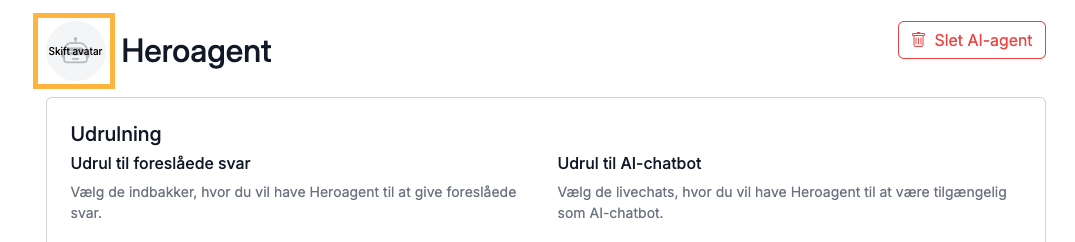
3. Click on the gray avatar at the top, as shown here:
4. Locate the image on your computer and upload it.
You have now changed the image of your AI Agent, and the image will be displayed in the Live Chat, in the overview of your AI Agents, and elsewhere.