
To set up a new Webshop dataset for your Herodesk AI Agent:
- Click on AI Agents in the left-hand menu
- Choose your AI Agent
- Click on "Datasets" on the left-hand menu
- Click "Add Dataset" on the top right
- Choose "Webshop"
Your AI Agent will be able to do live data lookups in your webshop to fetch order details for customers.
When deployed in a Live Chat, customer verification is required to do order lookup.
This feature lets customers automatically retrieve order details, order status, tracking numbers, etc., from AI Agents.
Configure your Webshop dataset
To give your AI Agent access to order data from your webshop, you must fill out the two fields:
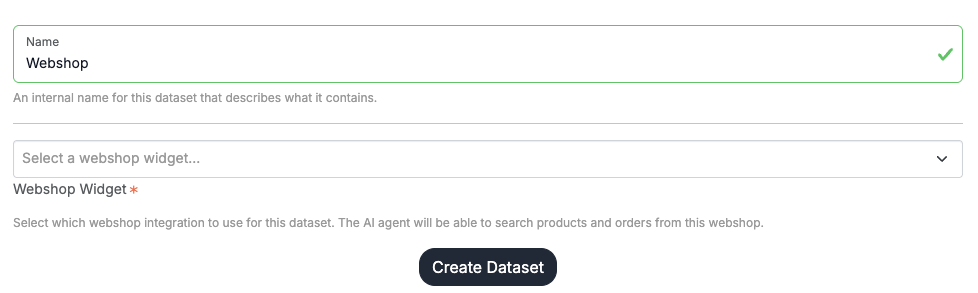
Name: Set an internal name that you can set, so you know which webshop this dataset is connected to.
Webshop Widget: Select the webshop widget you want to connect to. This dataset use the API connection from your webshop widget to connect to your webshop.
Please note: You should create one Webshop dataset for each webshop you want to give your AI agent access to do lookups in. If you have three Shopify shops that each has a widget, you must accordingly create three Webshop datasets; one for each.
When you click "Create Dataset", your AI Agent will immediately have access to look up orders in your webshop.