
Herodesk support sending a webhook when you or someone in your Herodesk sends a quick reply to a contact.
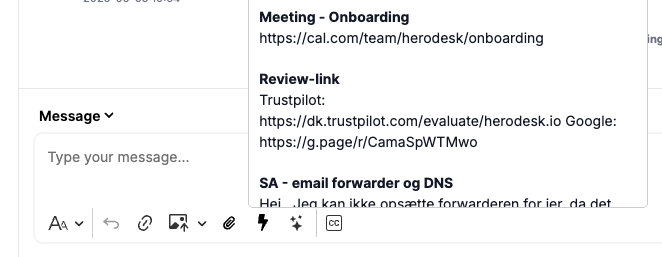
When you select and insert a quick reply, we store it and register it as a "quick reply sent". Even if you modify it, we still trigger as if the quick reply is sent.
This event is sent to all webhooks that subscribe to the "Quick Reply"-event.
Payload example
Here is an example of the payload that could be sent:
{
  id: 1,
  name: "Name of your webhook",
  object: {
    type: "message",
    data: {
      ... payload of message
    }
  }
}
Example use cases
Some examples of when this can be usable:
- Track quick reply usage
- Trigger local event
- Print label
- Change order status
- Send notification
- ... other?